
Talavine
Your personal & business data hub
A shared workspace for customers, deals, support, and the work around them. AI helpers prepare the routine work and bring you the decisions that need you.
Hosted in your browser · See CRM pricing

Choose a feature to see what's inside.
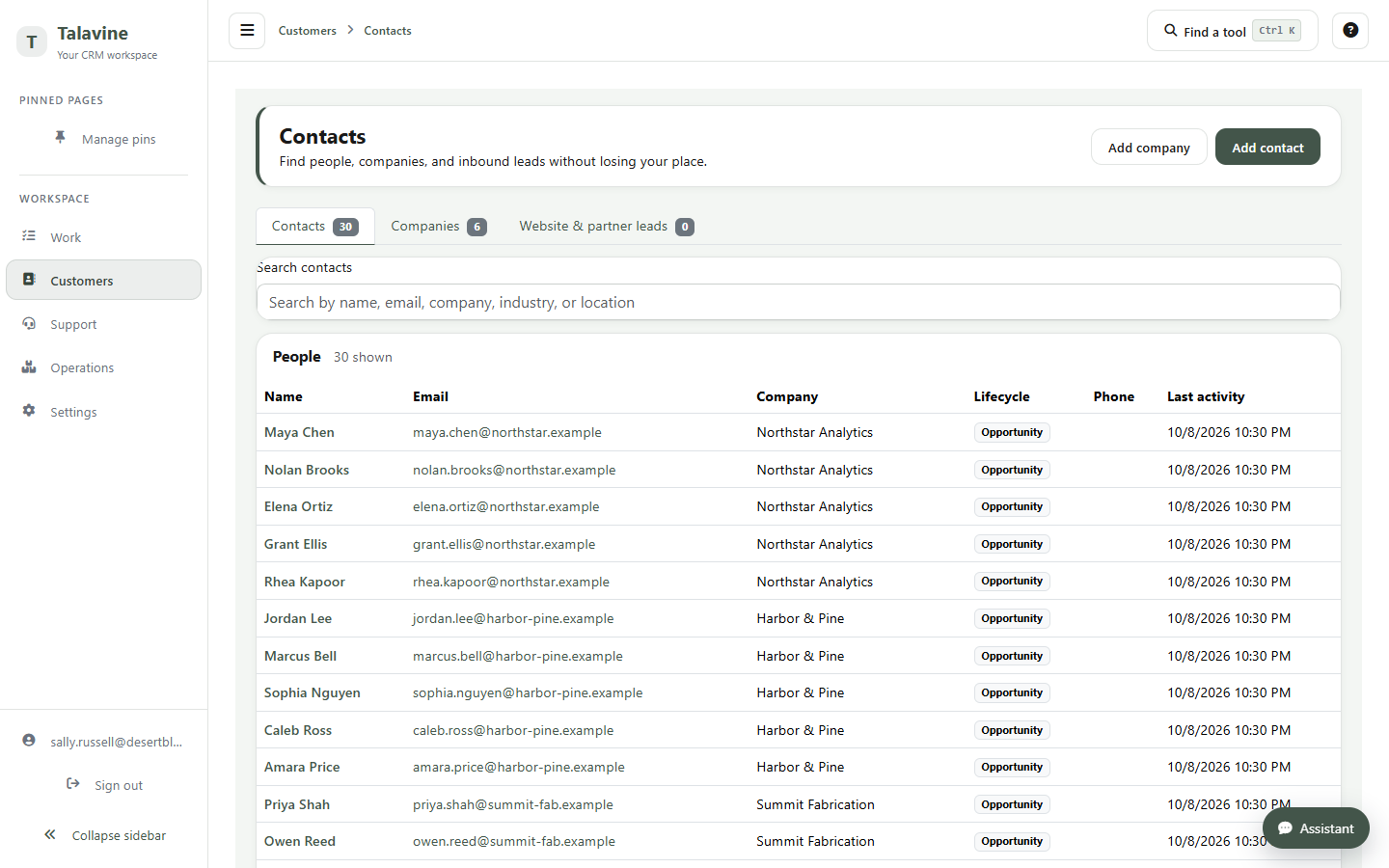
Keep customer contacts, companies, notes, and activity together in your team's hosted workspace. Team members see the records their roles allow.

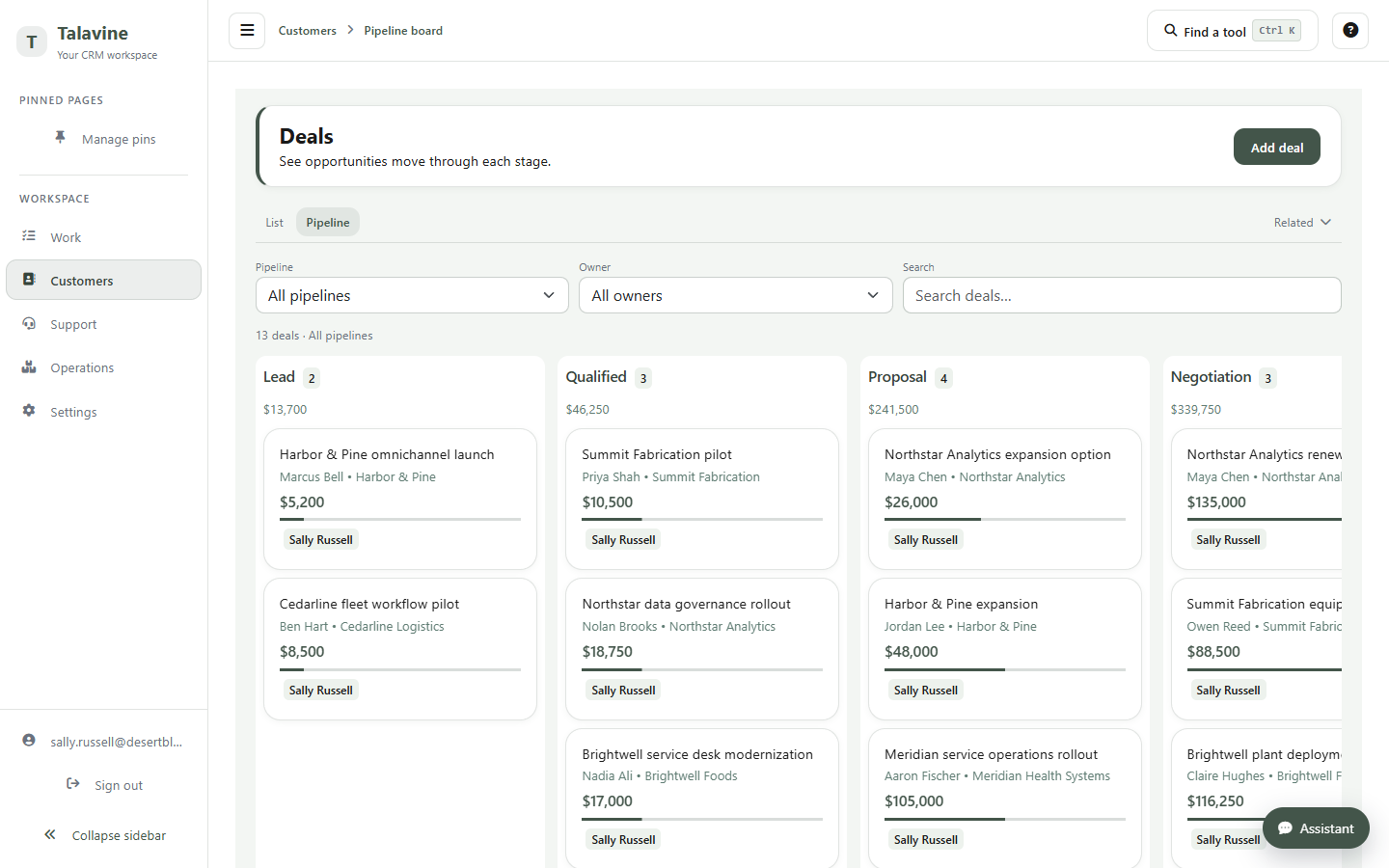
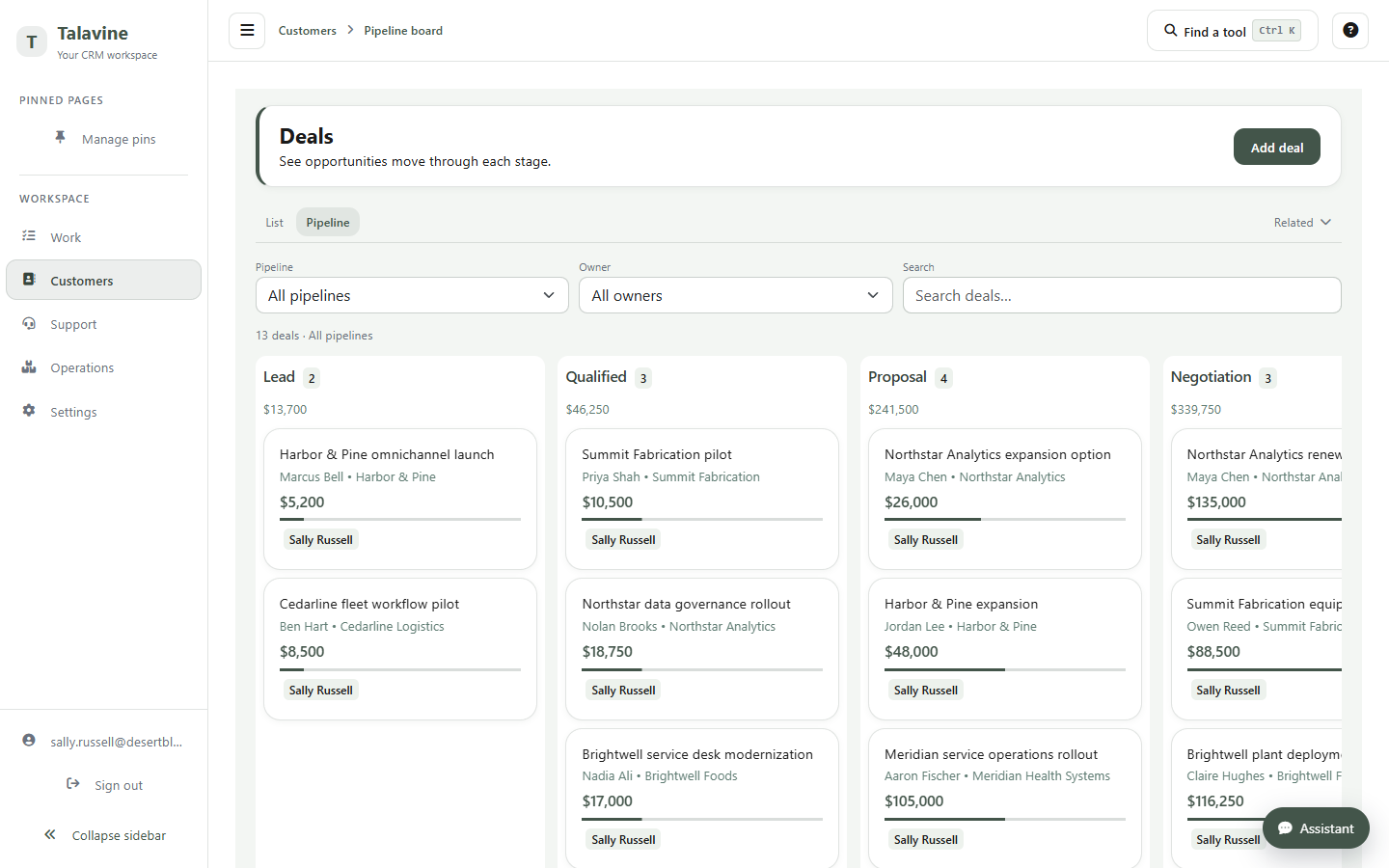
Track opportunities, stages, value, and next steps from the first conversation through the sale.

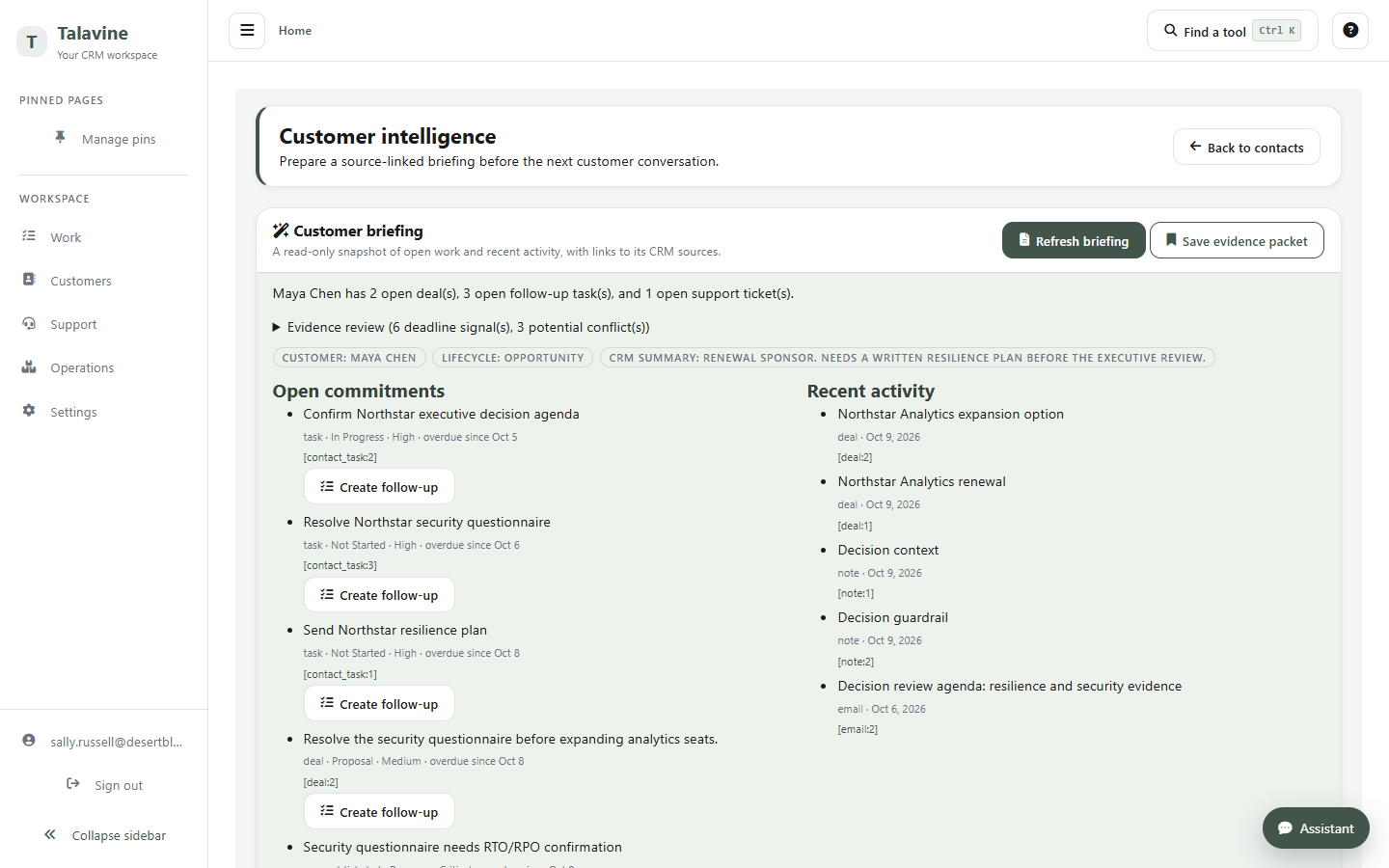
Bring a customer's relevant CRM history into a briefing. Open the supporting records to check commitments, owners, and possible conflicts.

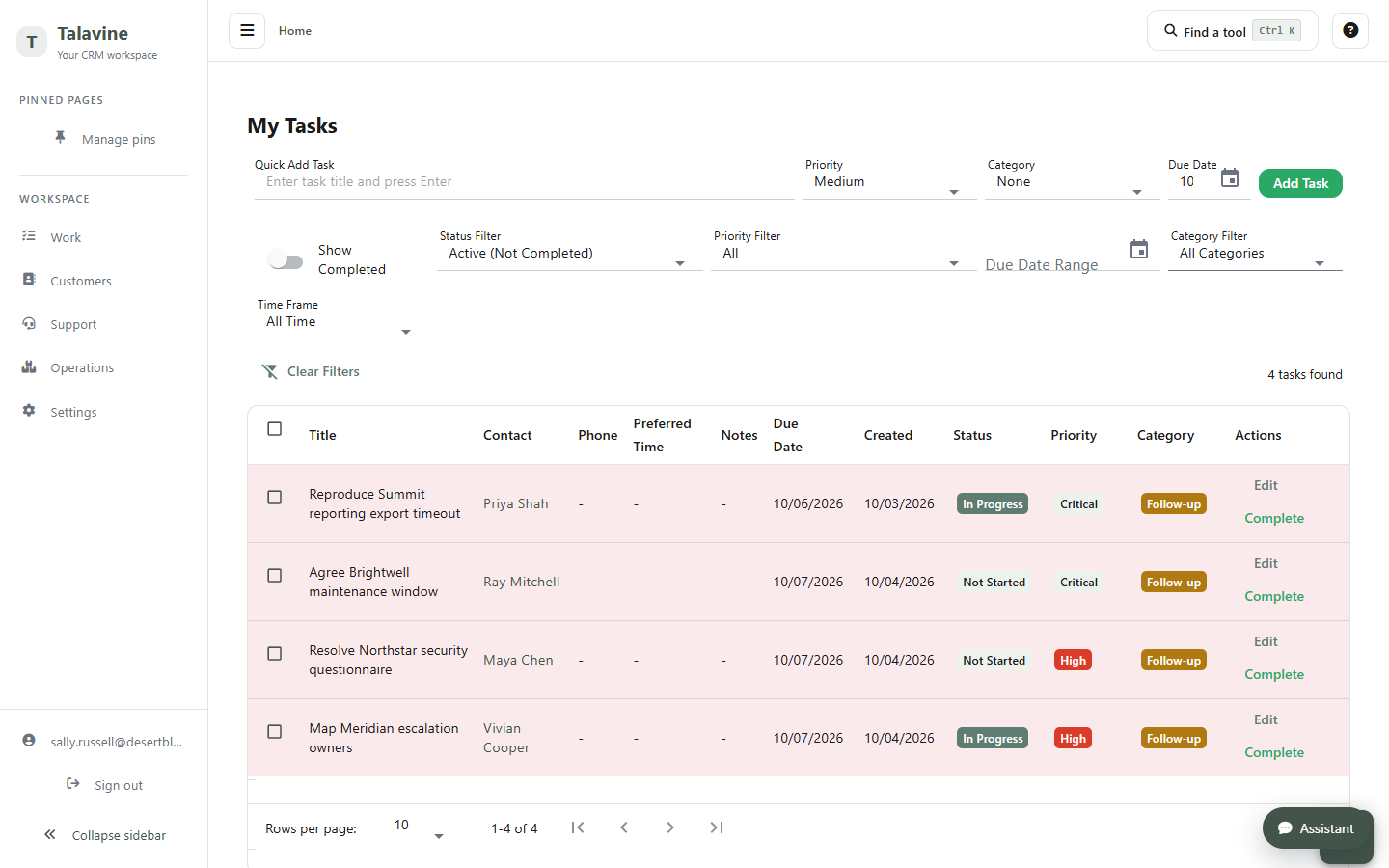
Assign work to the right person and keep it attached to the customer or deal it affects. Review the next steps before they become new tasks.

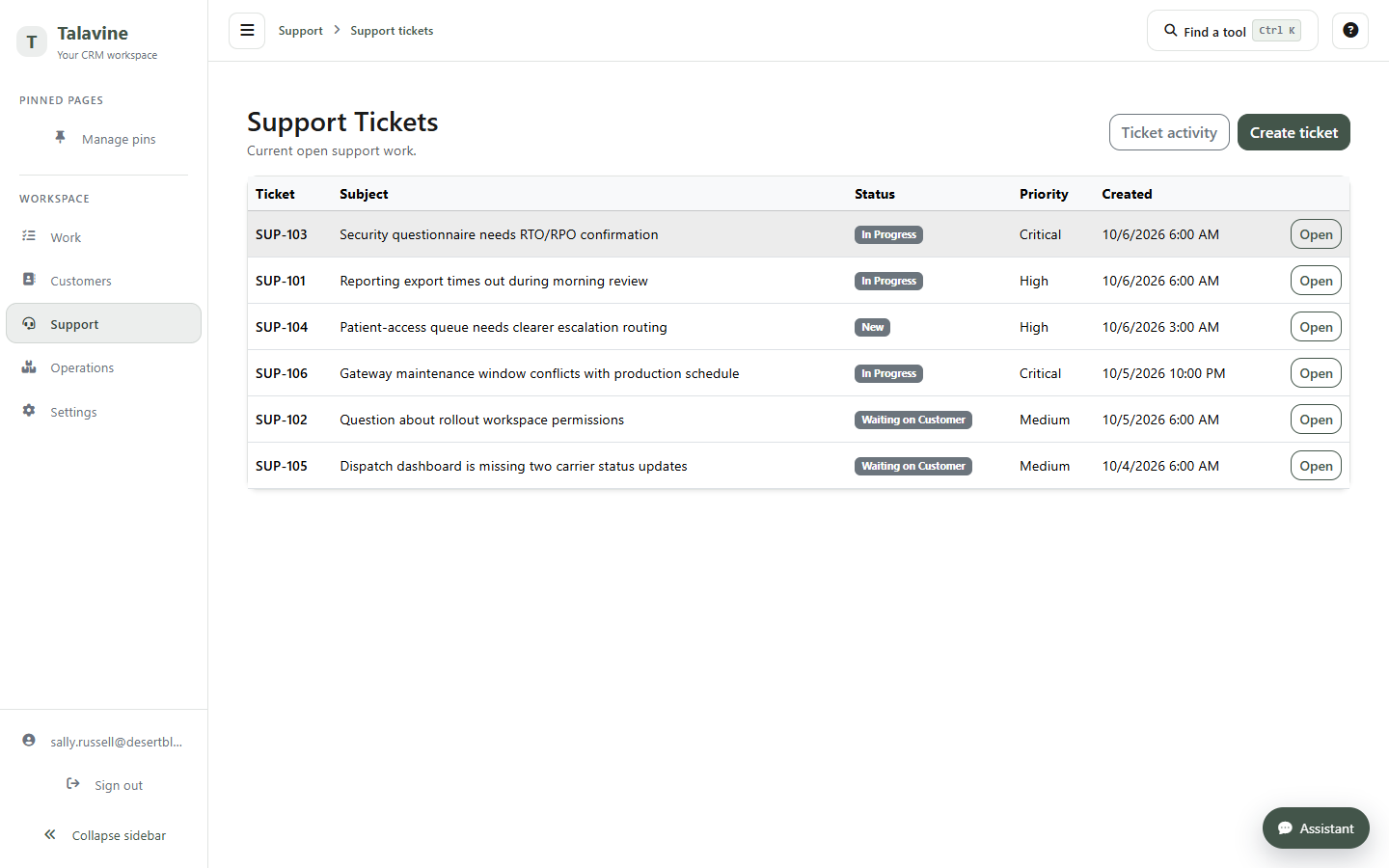
Track incoming requests with customer history, priority, and an owner. Configured support helpers can prepare responses under your team's rules.

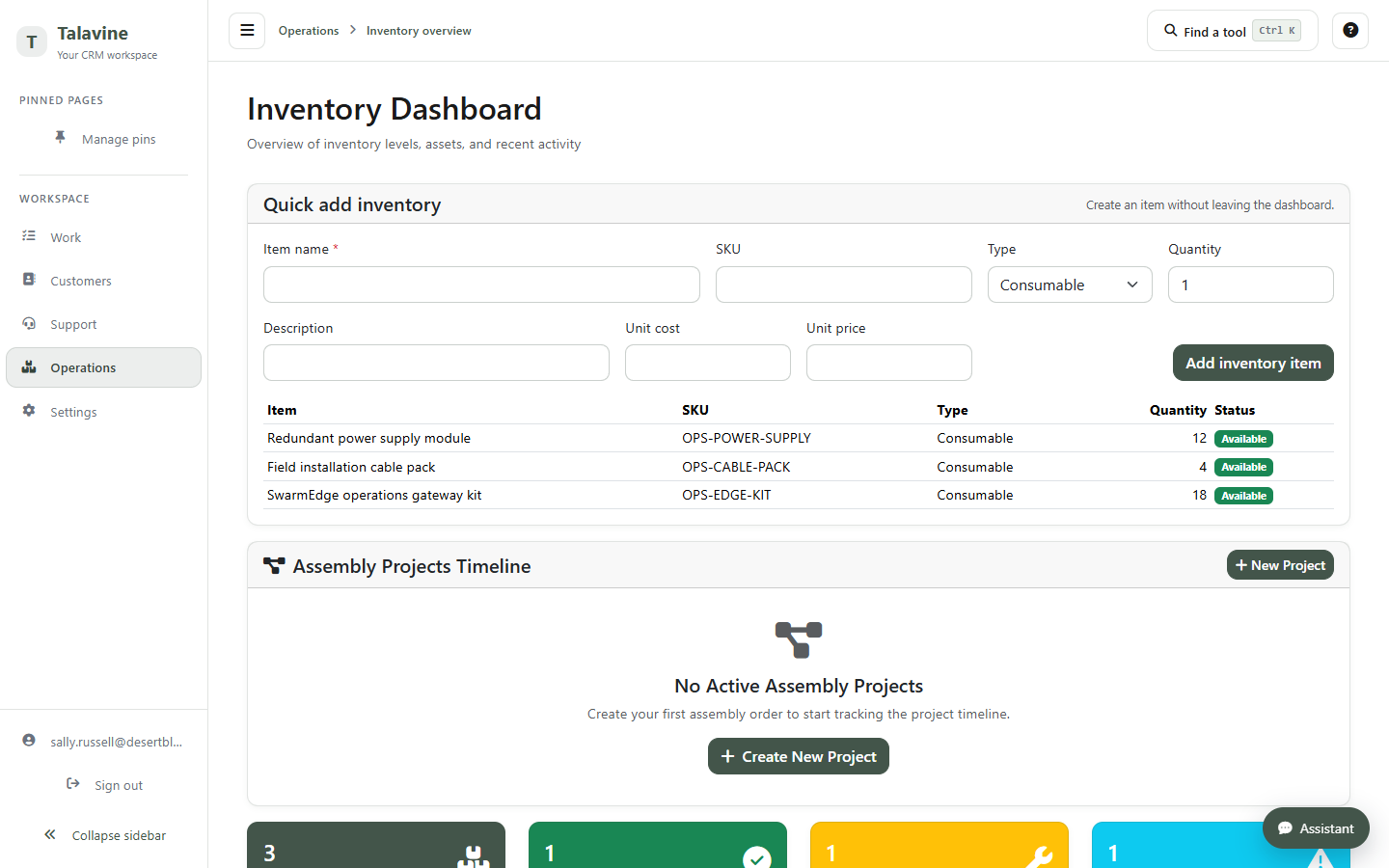
Keep products, stock, purchase orders, builds, and repairs near the customer records they belong to.

Track the equipment and assets a customer has, alongside orders, service history, and support work.

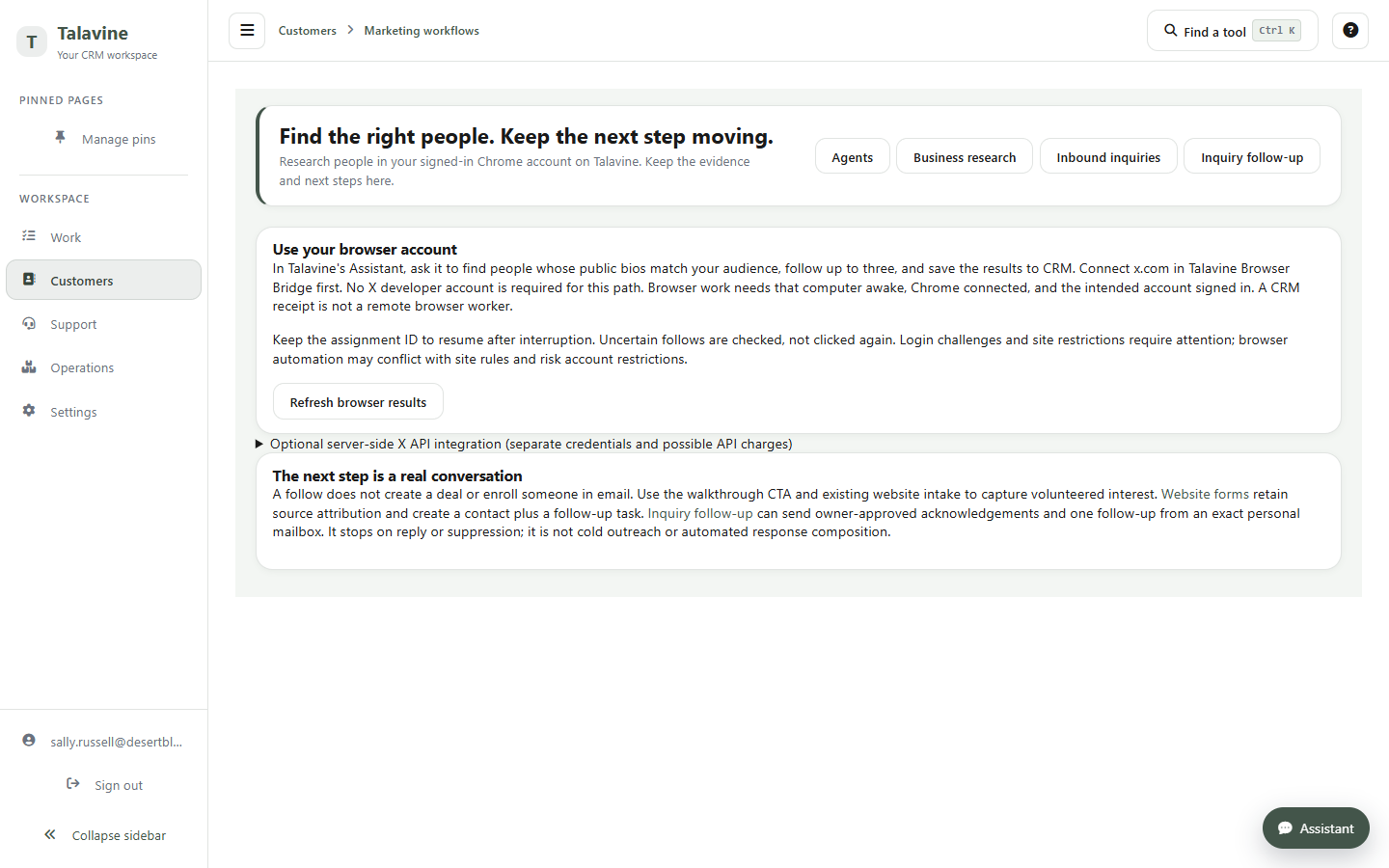
Configure marketing helpers to prepare content and recurring campaigns using your company's information, schedules, and permissions. Review their activity and decisions.

Ask questions about the team records you are allowed to see. The data agent uses read-only queries; the governed Assistant handles supported record changes through its own controls.
Connect a supported AI provider in your CRM workspace to use the Assistant.
AI helpers & decisions Work with AIAssign defined recurring jobs to configured agents. Inspect their runs and review decisions that need a person.
Team permissions Work with AIKeep your business records in your CRM tenant. User roles and scoped connections control who can read records or make a supported change.
Talavine connection Work with AIRead permitted CRM context from one opted-in Talavine work account, or request a supported customer update. Your local profile and team CRM remain separate stores.
Read more →Connect one work account to Talavine. Ask across your permitted CRM records and work conversations, or request a supported update.
Explore Talavine, Talavine CRM, and what changes when you connect them.
Your personal & business data hub
Your company's customer workspace
Talavine brings your work email into the picture and reads the customer records your CRM role permits. Open the supporting records to check the briefing. Reading CRM context doesn't copy your local profile into the team workspace.
Talavine is your data hub on your computer. CRM is your team's hosted workspace. You can use either on its own and connect them when it helps.
The connection uses one opted-in work account and the CRM records your role permits. Personal accounts stay outside that connection. Your local Talavine profile and CRM tenant remain separate stores.
Configured helpers can research, prepare responses and content, and run defined recurring jobs. Supported changes use the team's permissions and approval settings. You can inspect their activity and decisions.